




Cloud file migration,
done once.
Mover is the no-nonsense cloud file transfer tool: move files between any two clouds. One time. No subscription. No surprises.
Built on Files.com's proven sync engine, Mover handles one-time data migrations between 20+ direct connectors — AWS, Azure, GCP, Dropbox, Box, SharePoint, OneDrive, every S3-compatible backend — plus the Files.com Agent for any on-prem file server, NAS, or storage with disk and an OS.Built on Files.com's proven sync engine, Mover handles one-time data migrations between 20+ direct connectors, plus the Files.com Agent for any on-prem storage. Run a free dry run, see the exact cost, hit Go.











Most migration tools bill for a problem you don't have.
Files.com's sync engine, focused for one-time moves.
A free dry run before a single byte moves.
Anywhere to anywhere.
Mover speaks the native API of every major cloud storage platform. Same connection model, same dry run, same migration shape — whether you're pulling from a 20-year-old SFTP box or a freshly provisioned Azure container.
$0.15 per gigabyte.*
* At the 10 TB pack. Smaller packs cost more per GB; the slider on the right shows the exact rate at any volume. No subscription, no minimums, no egress surprises.
A migration in flight.
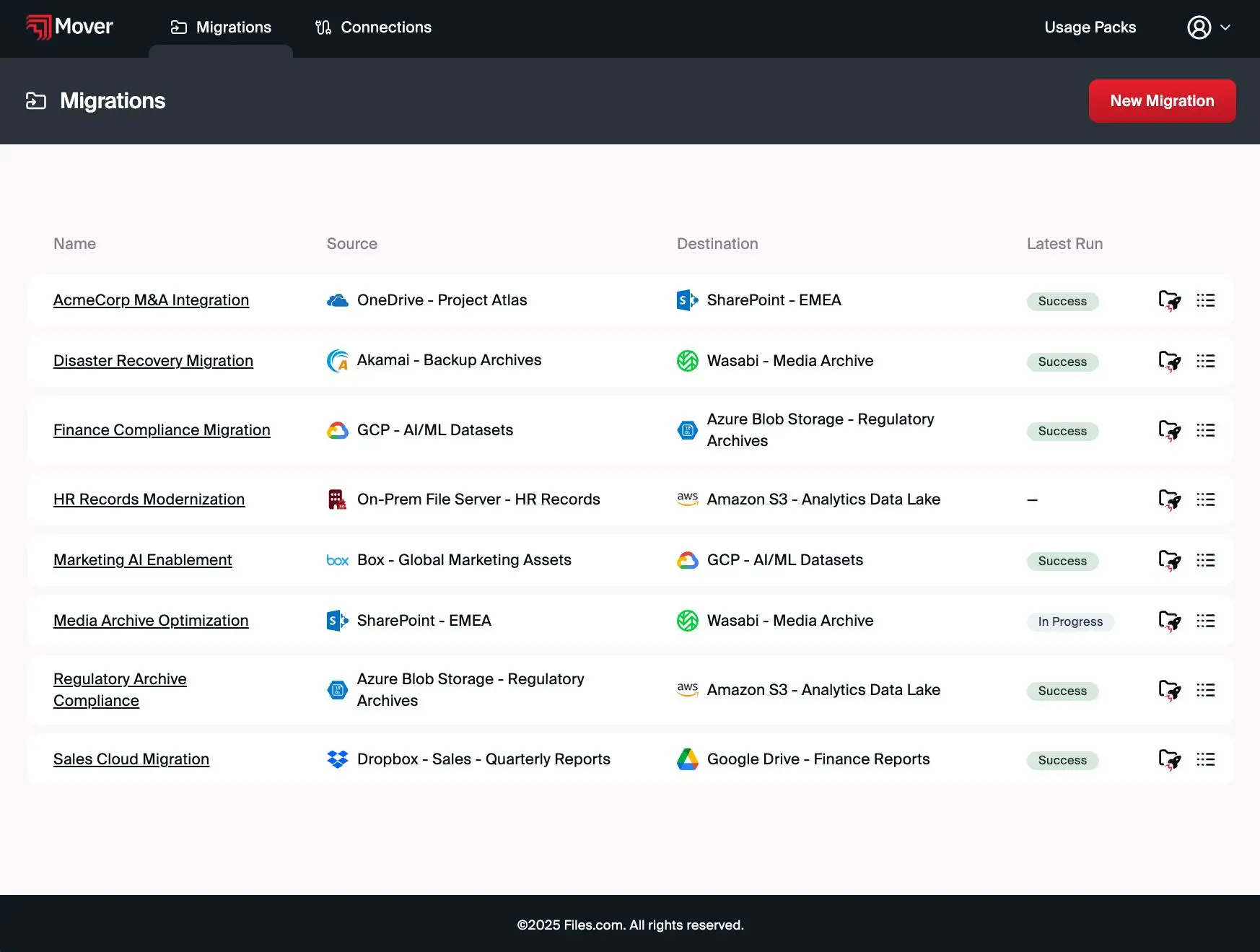
Real-time progress, file-level reporting, byte-perfect verification. Below is an illustrative view of three migrations transferring — your dashboard shows your migrations, with the same status pills, progress, and counters.
OneDriveSharePointAcmeCorp M&AIn ProgressAmazon S3WasabiDR ArchivesIn ProgressOn-Prem SFTPAmazon S3HR RecordsIn ProgressThe full price list.
| Usage Pack | Price | Per GB | Savings | Use Within |
|---|---|---|---|---|
| 100 GB | $39 | 39¢ | — | 14 days |
| 200 GB | $59 | 30¢ | 24% | 30 days |
| 400 GB | $99 | 25¢ | 37% | 30 days |
| 1 TB | $199 | 20¢ | 49% | 60 days |
| 2 TB | $379 | 19¢ | 51% | 60 days |
| 5 TB | $799 | 16¢ | 59% | 90 days |
| 10 TB | $1,499 | 15¢ | 62% | 180 days |
All packs include unlimited connections, unlimited dry runs, and standard support. Overages bill at the pack's per-GB rate.
Frequently asked.
Most teams launch their first migration in under 15 minutes. The dry run is free, every time.
Cloud file migration, done once.
One free dry run. No credit card to start. You see the exact price before you commit a single GB.